Wednesday, March 3, 2010

More Grocery Shopping!


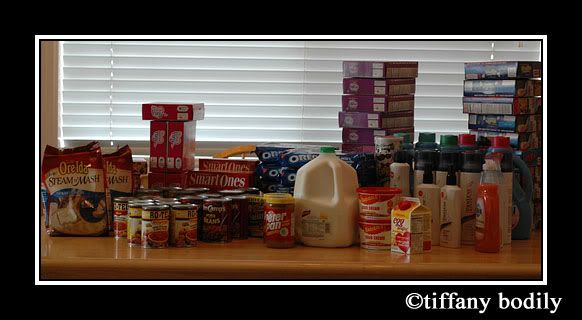
Another couple of trips to Albertsons today. I know... I need to get a life! I went early this morning to get in on the fruit snack deal where I got 25 boxes of fruit snacks for $2.50 plus tax. (YES - a dime each!!) This was by using the catalina that prints out after you buy in sets of 5 and some coupons I printed off the internet. When I was there early this morning I hadn't had time to figure out what else I could get for good deals on sale so after the kids were at school I matched up my coupons and went back and got the following 63 items for $51.98 pre tax and rolling my catalinas. I was stoked because I will be turning in my receipts for the Kraft promo for the oreos with another receipt from a prior sale which will get me a $20 rebate. My 63 items are as follows: 5 downy fabric softener, 10 panteen hairspray, 1 dawn dish soap, 1 pringles chips, 1 fabreeze, 1 gallon milk, 2 cartons sour cream, 10 packages of oreos, 8 Smart Ones frozen items, 1 egg beaters, 2 peanut butter, 1 popcorn, 2 manwich, 4 diced tomatoes, 8 rotel tomatoes, 4 pork & beans, 2 steam & mash potatoes~! I think I will send in my other receipts to Proctor and Gamble to get the $100 coupon book when you send in $50 receipts in their products. Now... hopefully I can let this sale go and do something else besides hang out at Albies... but I bet I'll find more deals to cash in on and go back before the sale ends.

I had a comment on the previous post that asked how I get so many coupons... Well, I get 5 Sunday papers each week and then I have two computers so I can usually print 2 of each coupon on each computer for a total of 4 of each coupon. I send for any offers that I can find as well as sign up for any offers that I find online that work for me. The site that is my "go to" for matching the sales with the coupons is Pinching Your Pennies.

Tuesday, March 2, 2010

P365 Week 8, grocery deals & baby stuff

Yeah! I finally found time to get my week 8 layout done and posted. You can click on the image to go to the gallery and read the credits if you want to.

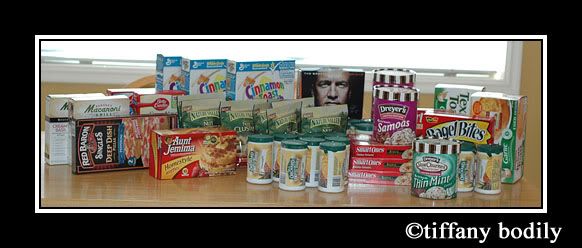
So I haven't scrapped much the last few days. Instead I have been printing and clipping coupons to match up with the sales. I hit some good ones at Albertsons. My pretax price out of pocket on all 46 of these items was $16. I got 4 boxes of cereal, 8 bags of nut clusters, 3 cartons of ice cream, 2 macaroni grill dinner mixes, 1 cake mix, 1 muffin mix, 17 juice concentrate, 4 smart one frozen items, 1 box of waffles, 1 box of singles pizza, 2 boxes of garlic bread, 2 boxes of bagel bites! WHEW! Yes- I feel that I rocked the coupons!

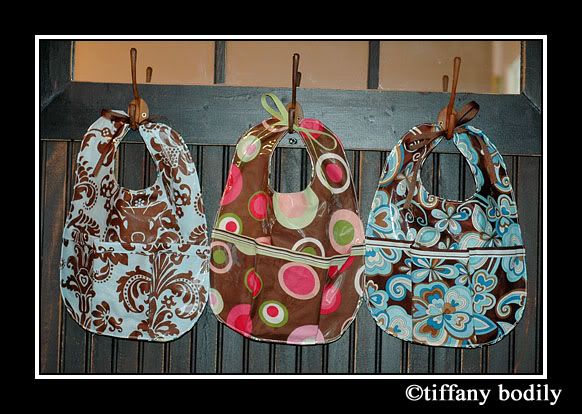
When I was shopping for fabric for my camera straps I met a darling girl, Kiama, who had beautiful fabrics in her cart. I asked what she was making and she said... bibs. I gave her my email addy and told her I wanted to see. She sells these darling bibs. They are vinyl lined so they won't stain but they are still machine washable. If you want to buy some or check them out further go to her blog Mud Puddles & Daisies I bought these three in the photo below. I gave 2 to my sister for my niece Megan and then I gave one to my neighbor Teresa at her baby shower. I love these!
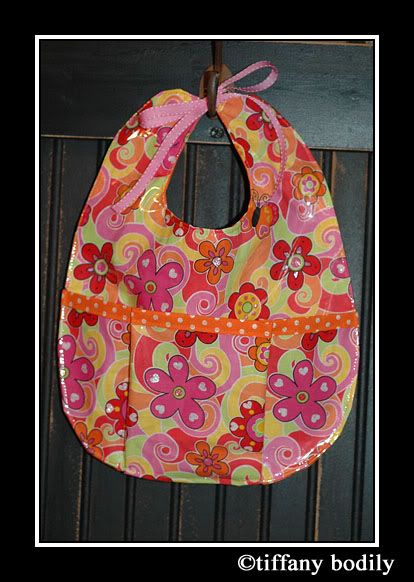
Since I felt good about my camera strap I decided to try making one of the bibs... well Kiama, you need not worry LOL. Your market is safe. I am sure you have a system and can make them much faster than I can. I am happy with how my bib turned out but I won't even post how much time I spent to make just one bib! For me your price is a STEAL! I will be picking up more when I have another baby shower to attend.
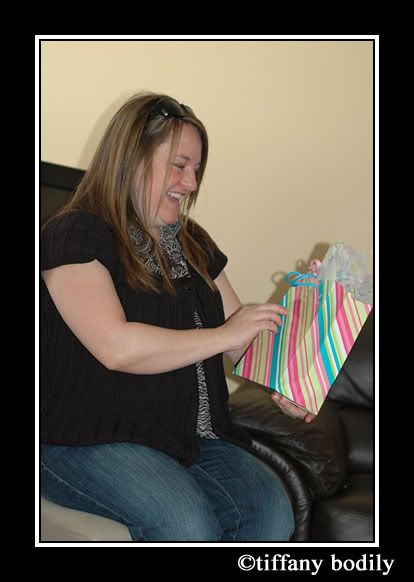
So... As I mentioned, we had a baby shower for my neighbor. I made the invitations and a friend a few streets over hosted it at her house. We had an amazing turn out and she got so many beautiful gifts for her new baby. I can't wait for her baby girl to be here... just a few weeks to wait. So fun that I will have a baby next door to cuddle but I can sleep at night. Teresa will probably tell me that she wishes I didn't post a picture of her here but I think she looks CUTE!

Friday, February 26, 2010

Darn Insomnia!

So I have been up since 1 this morning. I just woke up and couldn't get back to sleep. I wasn't stressed about anything or keyed up... just couldn't get back to sleep. I think I was trying to hard to fall back to sleep. So anyway... I haven't felt too scrapbook creative today and won't get my P365 layout done today but oh well.... hopefully this weekend I will.

Another set back in getting my photos shot for P365 this week was that my battery died while I was trying to get some of my shots. That makes me so frustrated when I spend the time to set something up for photographing and then zippo on battery power. I had some Staples Rewards to use and found that online I could order a battery for my camera. Ever since I got this camera I have only had the one battery and it always dies at the most inconvenient times and then takes 3 hours to charge. So... now I can always keep a spare charged and ready to go. I am so excited!!! I also had enough rewards to order a card reader so that I don't have to drain my camera battery when I load my photos onto my computer. And one more goodie.... I got another Compact Flash card for my camera too. I am almost giddy to know that I'll have all these conveniences in a week. Whooot!!!!

Another recent purchase for my camera was a 50mm 1:1.8 lens. I am loving it! It lets in more light and makes a nice blur in the background of the subject. It is also a great choice if you are looking to get another lens because it is inexpensive - only about $100.

Tuesday, February 23, 2010

Scrapbook Layout Share

Just hanging out watching the Olympics & American Idol but I have never been very good at just "sitting" so I have my laptop handy and thought I'd post some of my latest scrapbook pages. Each page is linked to it's place in the galleries so you can click on any of them that you want to see credits for. Thanks for looking.


Saturday, February 20, 2010

Sewing?

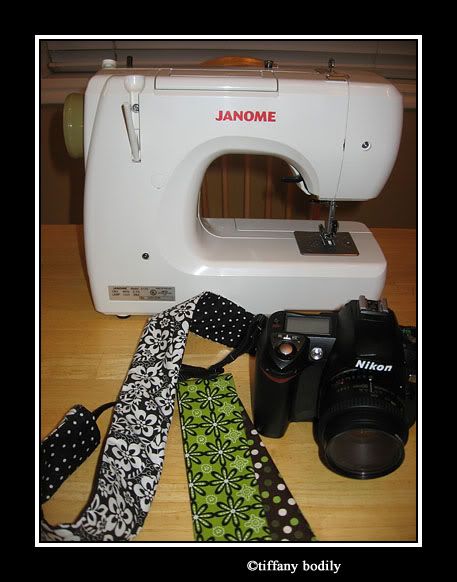
Yep... I did some sewing today. I don't do very much sewing but I have seen a few people sporting these darling camera straps and then happened across a tutorial online and thought... hey I can do that! If you want to do it too then to to I Heart Faces HERE and check out the tutorial for yourself. I ended up making two different ones. FUN!

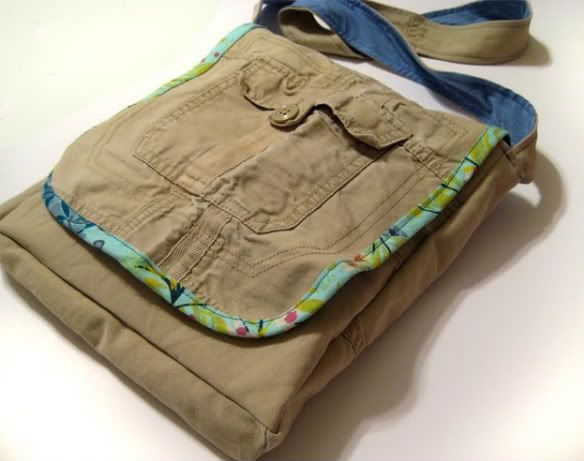
As I was surfing around I saw this darling project and snagged a photo from the blog Noodlehead to show you. WAY cute!!! I think I want to try and take on this project sometime soon. She is such a talented gal and shares the tutorial on her blog if you want to take a peek HERE. I think I just may be getting my machine out a little more often. When I went to JoAnn fabrics they had soooo many darling prints.

Friday, February 19, 2010

P365 Week 7 & some Valentine Photos

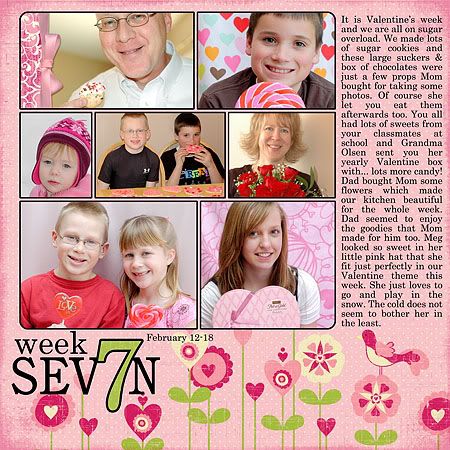
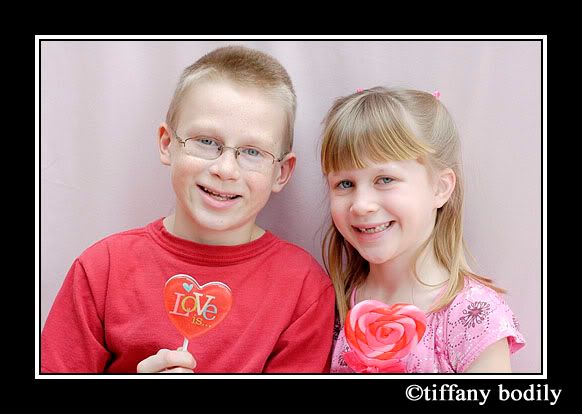
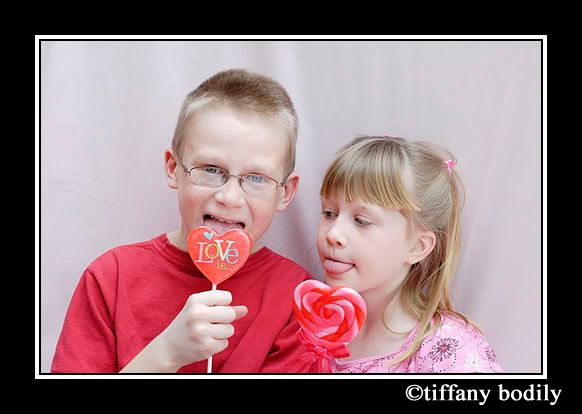
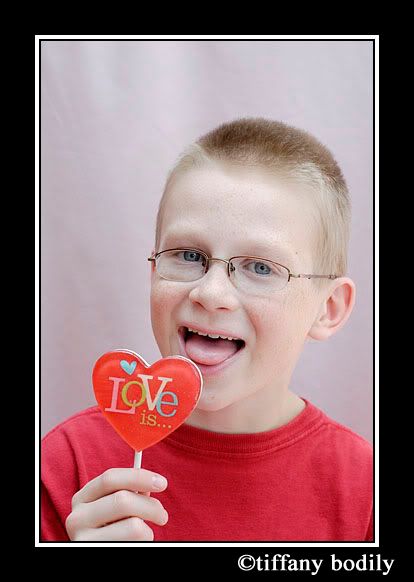
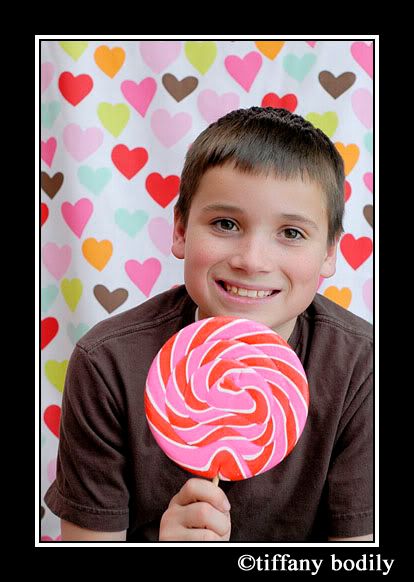
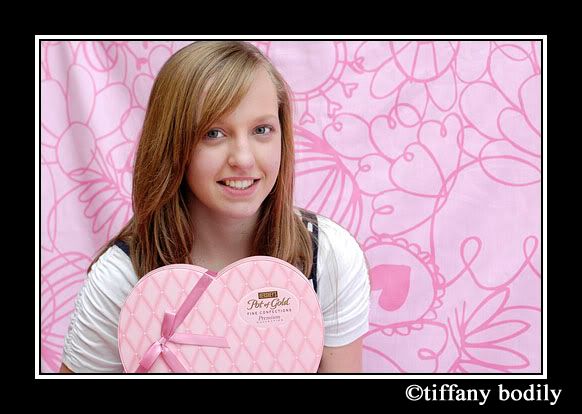
Here is my latest page for P365. I enjoyed taking some photos of the kids for Valentine's season. I set up a little home studio by turning my couch to face the big window and draping a sheet over it. I also picked up two Valentine shower curtains (who decorates their bathroom for Valentine's day?) at Target for $5 each the day after Valentine's. One had multi colored hearts (behind Morgan) and the other had large flower graphics in pink (behind Cheyenne) I think it will be fun to use the pink one for Easter shots too. Clayne was an excellent Valentine and came through with a bouquet of roses and dinner at Jaker's. Dinner was soooo good. It was a prime rib and seafood buffet. I ate LOTS of crab legs & didn't feel the least bit guilty for doing so.

Credits: all products By Carina Gardner
AFFECTIONATE-Papers, Design 365 Masks v3, Design 365 A Month of Number Stamps, O CHRISTMAS TREE-Ribbons

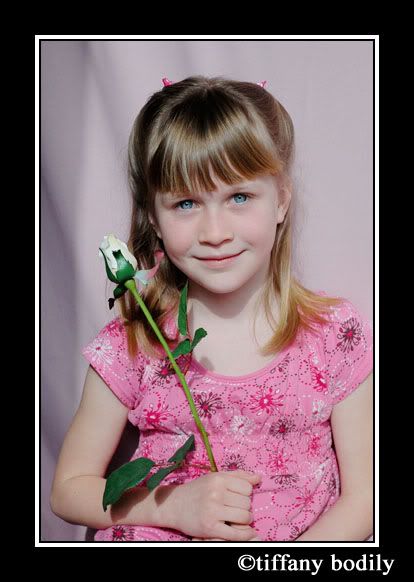
So like I was saying I did some photo shoots of the kids. These were some of my favs. Savannah's is taken with natural light but then Carson complained about the sun in his eyes and so I decided to try out Clayne's old flash. He used it with his manual Canon SLR and he has had it from before we married 20 years ago. I wasn't sure it would work with my Nikon D70 but what do you know - It worked and I like the results. I will definitely be playing with it some more. I was thinking I needed to by a speedlight flash but didn't want to ding our budget to purchase one. It is always nice when you find something "free" that works.


That will be all for now... I want to do some scrapping. I hope to share some of my latest pages with you this weekend. Are you enjoying the olympics? I watch them as I scrap on my laptop.

Sunday, February 14, 2010

P365 week 6 & the kids' Valentine cards

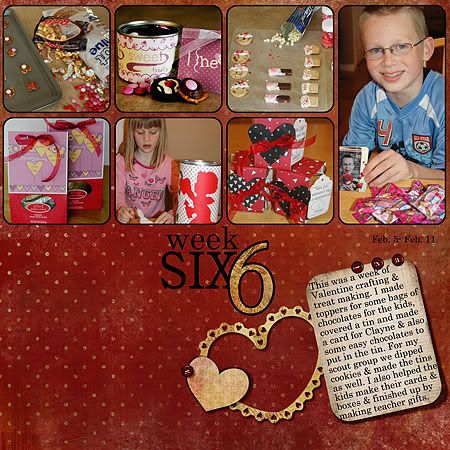
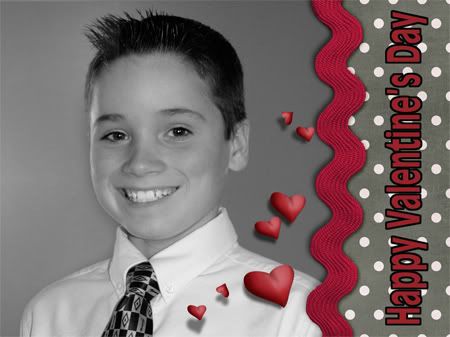
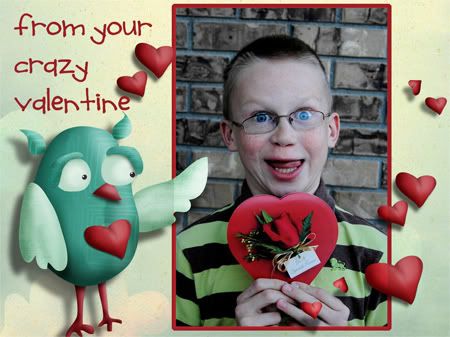
This was a busy week of crafting and baking for Valentine's Day. I finally got my week 6 layout done for P365. I also wanted to share the Valentine's that I made for our kids to give out in their class parties. Carson wanted his to be a crazy picture & I think he succeeded. It shows his personality quite well I think. Hope you all had a wonderful Valentine's Day. I know I have eaten a few too many sugar cookies. How about you?
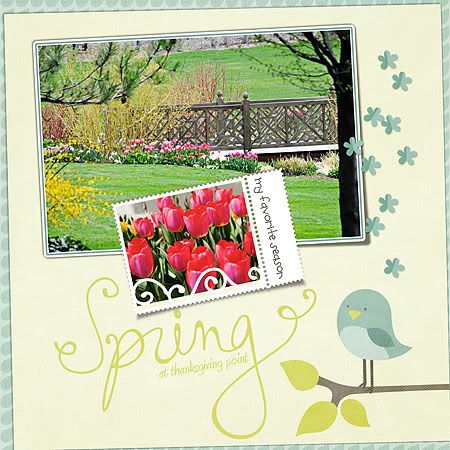
Credits for this layout are the same as for Week 5 in last week's post.

Savannah's valentine is made from Jen Allyson's Smitten kit.

Cheyenne's Valentine was made from a freebie Pretty In Pink by Verena Designs.
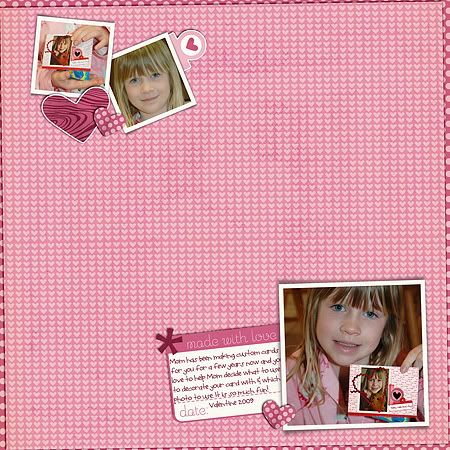
I made Morgan & Carson's Valentine's from the One Love kit.

Thursday, February 11, 2010

A Valentine Project and a little scrap info

Before I go start cutting out sugar cookies, thought I'd make a quick post. Today will be busy getting the kids class Valentine's ready, making Valentine boxes... (I also have scouts today and Savannah's piano lessons...whew) I wanted to let you know about an event that is coming up at Scrap Orchard. Show another hybrid Valentine project I made this week. My scouts will be making this project today. (you can click on the image to go to the kit I used by Carina Gardner - you can buy it as a complete set or broke into just the parts you want.) And last... there is a preview of a kit that you can get for free at Design House Digital so go ahead and click on it to pick it up in the store.


Monday, February 8, 2010

A Valentine Project

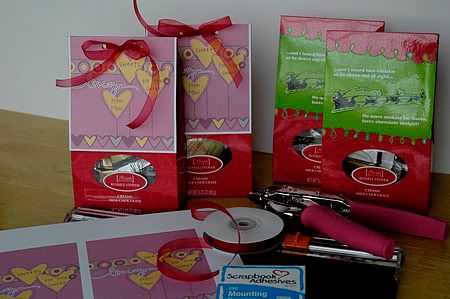
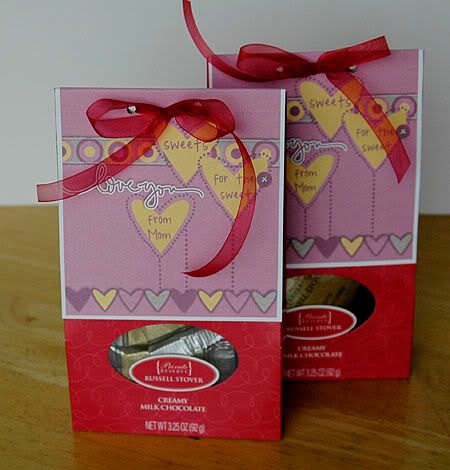
I can't believe it will be Valentine's Day in less than a week! I decided I better get busy on some of the projects I want to complete. Being the thrifty gal I am, I picked up these chocolates on after Christmas clearance for next to nothing and figured since they were mostly red I could use them for Valentine's for my kids. I think they worked up pretty cute. I used Lovestruck Paper Pack and Lovestruck Elements by Audrey Neal.


Sunday, February 7, 2010

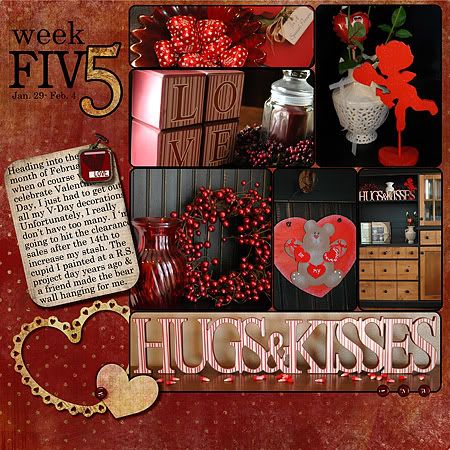
P365 Week 5

Just a quick post to catch up on my P365. Hope you are all having a nice weekend. I am not a sports girl and we don't watch TV on Sundays (much to my son Morgan's dismay) so we are not watching the superbowl. I did enjoy stocking up on some great snacks for good prices due to the event though.
credits:
The Day Dreams Collection - Sunset Backgrounds By Meredith Fenwick
The Day Dreams Collection - Sunset Elements By Meredith Fenwick
Heart Frames By Spencer Nugent
template from Design 365 Color Kit 2 By Carina Gardner

Wednesday, February 3, 2010

Photography Tips

Today I wanted to share with you a few video clips I watched over at YouTube by Erin Manning. I just requested her book at the library and look forward to learning more from her. I like her approach. There are more clips by Erin at YouTube as well so if you like these, go do a search and watch more.


Although I use my digital SLR most of the time I do sometimes still use my point and shoot and I found this clip interesting. I liked the tip for using the oil blotters over the flash as well as the tips for using sunglasses or a magnifying glass.

Friday, January 29, 2010

P365 Week 4 and some Layout shares

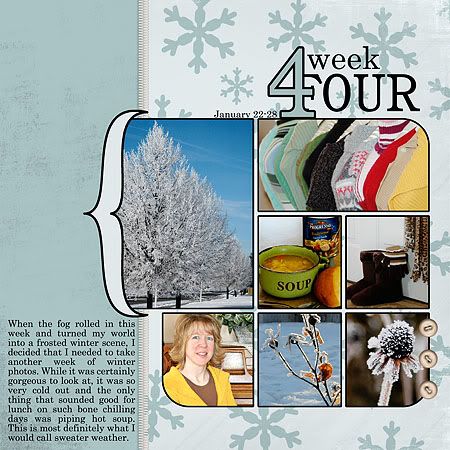
Here is my Project 365 layout for week 4. I am so excited about how this project is working for me this year. I love assigning a "theme" to my weeks. It is so much easier to scrap the photos when the kind of "go" together. I also wanted to share some layouts I created this week as well as show you the Design House Digital exclusive facebook freebie kit that you can pick up by becoming a fan. Click the image of the super cute kit below to go to the FB page. Below the kit image you can see a page I created using that kit.

(Credits: Design 365: January 31 Day Page Templates By Spencer Nugent, Design 365: January Pack By Spencer Nugent, ESSENTIALS-Stitches v.1 By Carina Gardner, The Day Dreams Collection - Sunset Elements By Meredith Fenwick)


This page I made for the One Kit Four Ways blog post at Design House Digital this week. Using Jen Allyson's Smitten Mini Kit. You can see other layouts using this kit by visiting the blog HERE.

These next two pages are made with new releases at Scrap Orchard this week. New releases are currently on sale so hurry over to pick up the beautiful kits. You can see a list of credits by clicking my layouts below which will take you to my gallery at Scrap Orchard and there you will be able to click on the kit links to go shopping. Thanks for stopping by my blog today and letting me show off my latest creations.

Wednesday, January 27, 2010

Gas, Photography & Music?

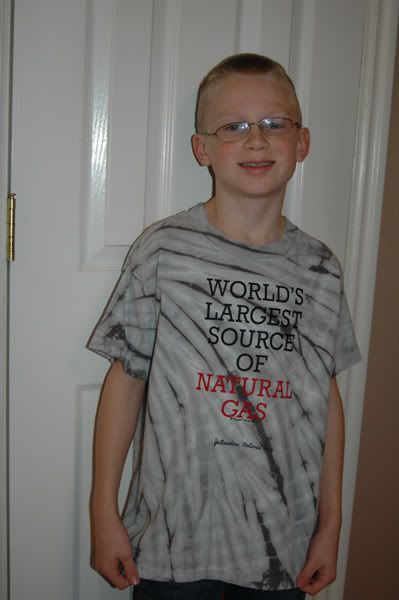
On a family vacation to West Yellowstone a while back, we visited a T-Shirt shop. Carson begged me to let him get a shirt with an iron on that said I ♥ to Fart! I decided that I didn't want him wearing that shirt to school and to family dinners - even if the statement is true of him. He is a very gassy boy. He ended up getting this shirt that says Worlds largest source of Natural Gas instead. If I had let him get the other shirt I would have put it on today and taken a picture of myself in it for this post LOL! Carson didn't want to have a photo today when I had him put on his shirt so this was as good as it gets for this post - just a snap shot.

Ok enough of that... So what is the difference between taking a photo or making a picture? When you take photos they would generally be categorized as snapshots - photos that don't have much thought put into them. Something caught your eye and you just started taking pictures. Sometimes, with a little luck, there will be a couple of photos in the lot that you will be happy with. More often though you'll be a bit disappointed, and after a few months when you come back to look at the photos, you may not even remember why you took them in the first place. As I have been browsing some books and the internet regarding photography I was drawn to an article by Ken Rockwell, FARTing: A Key to Creative Photography.

In this article Ken states, "I take my best pictures when I FART first." I'm not to sure the subject of your photo would always appreciate it if you really did fart. Don't worry though, FART is a mnemonic for a creative process.

F: Feel
A: Ask
R: Refine
T: Take

Since the article says it all so very well, I will direct you to it to read more about his advice HERE. I have been trying to think more about the photos I have been making. I find the word "make" instead of "take" interesting in photography. By using the word "make" I find that I think more about what I am photographing and why. So today I encourage you to put more thought into your photography and next time you pull out your camera don't forget to FART.

Oh and one more tid bit I'd like to share about a fun and FREE week-long class coming to Audrey's blog (One of the DHD Designers) in February -- stop by her blog and check out the details. Sounds fun to me!

Sunday, January 24, 2010

Valentine Ideas

Ok just a quick post before I head to the kitchen to make dinner. A scrapbook friend, Jenny, has these darling Valentine printables on her blog to share with you if you make a donation to Haiti. I think it is great that she is doing her part to help. Click the image below to head to her blog and check it out.
I thought these mini mailboxes were just too cute. I have checked our Target store and didn't find any of the mailboxes though. I hope that maybe I'll come across some somewhere. To get a look at how to make one click the image below.
And... here are a few printables that are currently available for free download. Cute huh? Again just click them to go to the site and grab them. Enjoy!

Saturday, January 23, 2010

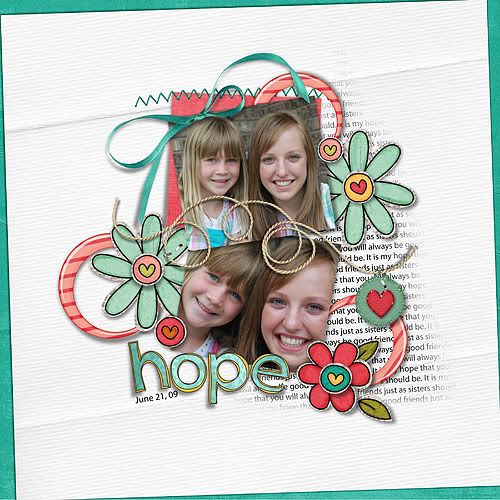
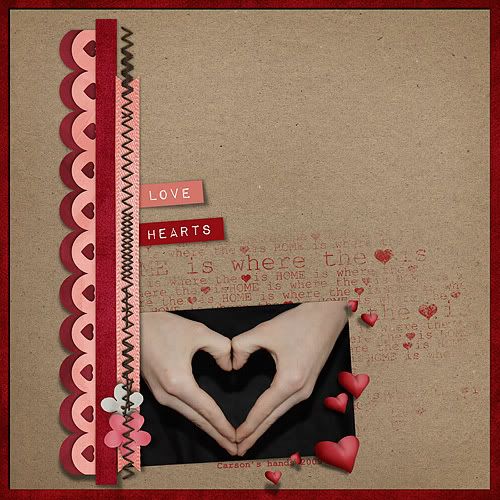
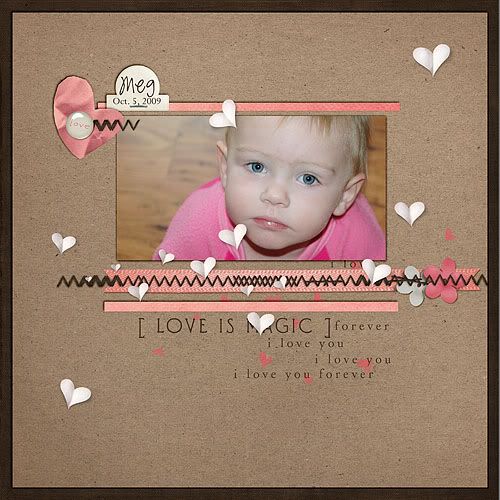
Layouts using the One Love kit

So I decided since I have a cold that I needed to just take it easy LOL. Good excuse to just sit on my bed with my laptop and scrapbook. I made these three pages this evening with the gorgeous kit I mentioned in yesterday's post. The kit is One Love. Appropriately I watched a love story while I was scrapping too. Phantom of the Opera. One of my favorites. Hope you all have a great remainder of the weekend.


Friday, January 22, 2010

P365 Week 3 and some winter photo tips

(Credits: Design 365: January 31 Day Page Templates By Spencer Nugent, Design 365: January Pack By Spencer Nugent, ESSENTIALS-Stitches v.1 By Carina Gardner, The Day Dreams Collection - Sunset Elements By Meredith Fenwick)

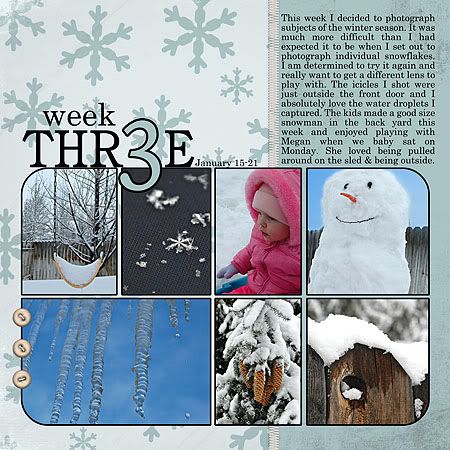
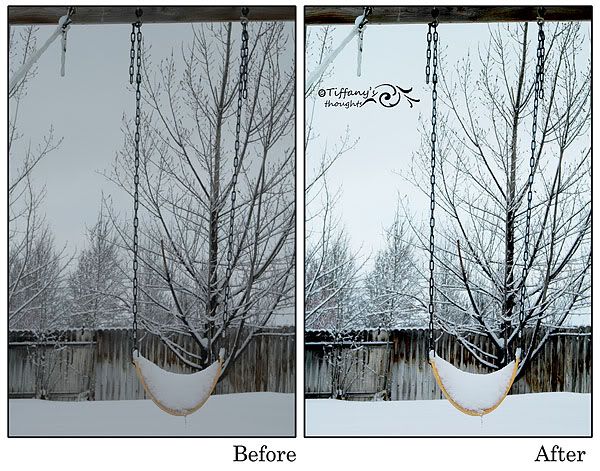
This week my Project 365 photo subject was winter. Shooting photos in the winter can be a tricky thing. I found that the bright snow causes my camera to underexpose my photo. The snow often took on a hue of gray. I will be doing some more study of adjusting my white balance on my camera before I head out to the snow to shoot photos again. Here is just one tutorial I found on this subject:
Understanding White Balance.

These two articles give encouragement to get out and shoot some winter photos. I know I often prefer to do outdoor photography in the other three seasons of the year and tend to stay in the house more in the winter. There are plenty of things to photograph indoors where it is warm but I find that after a little reading and looking around on the net I may just get out and try some new things with my photography this winter.
The Beauty of Winter Photography
Dreaming Winter Photography

Now what about those photos that I was mentioning earlier.... the ones where the snow took on a gray color cast. Well... that is when I am happy to have photoshop. I am still and probably always will be in the learning phase about what this program can do.


The first thing I did was added a Brightness/Contrast adjustment layer. I adjusted my brightness by 30 and set my contrast to 75. When making these adjustments it is a personal preference thing. You have to decide how far to go. If you expose the photo too much you can easily blow out detail. Sometimes I don't mind loosing a little detail if the overall look of the image is improved.
Brightness - How light or dark the picture is.
Contrast - How the brightness is distributed from the lightest to darkest parts of the picture.

Next I added an Exposure adjustment layer. I adjusted my exposure to +10, my offset to -0.0183 and my gama to 1.12 Again this is a to personal taste adjustment.
Exposure – lightens/darkens image.
Offset – adjusts shadow/highlight areas.
Gama – adjusts contrast.

Finally I added a Hue/Saturation adjustment layer where the only adjustment that I made was on the saturation slider which I increased by +25.
Hue - the color.
Saturation - how vivid the color is.
Lightness – how dark/light the color is.

If you want a more in depth look at these photoshop adjustments you can see the tutorial Fixing Exposure and Brightness. Although they don't use adjustment layers. They make the changes directly to the image. I prefer to work with layers so that I have the ability to go back into any of these adjustments and further tweak them as I go along. Using layers is what they call "non destructive photo editing." If you choose to work directly on your photo just be sure to never overwrite the original photo but save the edited photo under a different name. You never know when you may change your mind about the way you edited or your photo or when you may learn a new/better way of editing and want to try it again.

Of course how you choose to crop your photo can improve the impact of the photo as well. I like the closer crop of this photo in my Week 3 layout above better than looking at the entire image. To me there is just too much negative space in the upper left hand corner. OK... that is a wrap for me. I can't believe how much time it takes to put something like this together. Makes me appreciate all the great tutorials out there on the net even more. Have a great weekend!