
(Credits:
Design 365: January 31 Day Page Templates By Spencer Nugent,
Design 365: January Pack By Spencer Nugent,
ESSENTIALS-Stitches v.1 By Carina Gardner,
The Day Dreams Collection - Sunset Elements By Meredith Fenwick)
This week my Project 365 photo subject was winter. Shooting photos in the winter can be a tricky thing. I found that the bright snow causes my camera to underexpose my photo. The snow often took on a hue of gray. I will be doing some more study of adjusting my white balance on my camera before I head out to the snow to shoot photos again. Here is just one tutorial I found on this subject:
Understanding White Balance.
These two articles give encouragement to get out and shoot some winter photos. I know I often prefer to do outdoor photography in the other three seasons of the year and tend to stay in the house more in the winter. There are plenty of things to photograph indoors where it is warm but I find that after a little reading and looking around on the net I may just get out and try some new things with my photography this winter.
The Beauty of Winter PhotographyDreaming Winter PhotographyNow what about those photos that I was mentioning earlier.... the ones where the snow took on a gray color cast. Well... that is when I am happy to have photoshop. I am still and probably always will be in the learning phase about what this program can do.

The first thing I did was added a Brightness/Contrast adjustment layer. I adjusted my brightness by 30 and set my contrast to 75. When making these adjustments it is a personal preference thing. You have to decide how far to go. If you expose the photo too much you can easily blow out detail. Sometimes I don't mind loosing a little detail if the overall look of the image is improved.
Brightness - How light or dark the picture is.
Contrast - How the brightness is distributed from the lightest to darkest parts of the picture.
Next I added an Exposure adjustment layer. I adjusted my exposure to +10, my offset to -0.0183 and my gama to 1.12 Again this is a to personal taste adjustment.
Exposure – lightens/darkens image.
Offset – adjusts shadow/highlight areas.
Gama – adjusts contrast.
Finally I added a Hue/Saturation adjustment layer where the only adjustment that I made was on the saturation slider which I increased by +25.
Hue - the color.
Saturation - how vivid the color is.
Lightness – how dark/light the color is.
If you want a more in depth look at these photoshop adjustments you can see the tutorial
Fixing Exposure and Brightness. Although they don't use adjustment layers. They make the changes directly to the image. I prefer to work with layers so that I have the ability to go back into any of these adjustments and further tweak them as I go along. Using layers is what they call "non destructive photo editing." If you choose to work directly on your photo just be sure to never overwrite the original photo but save the edited photo under a different name. You never know when you may change your mind about the way you edited or your photo or when you may learn a new/better way of editing and want to try it again.
Of course how you choose to crop your photo can improve the impact of the photo as well. I like the closer crop of this photo in my Week 3 layout above better than looking at the entire image. To me there is just too much negative space in the upper left hand corner. OK... that is a wrap for me. I can't believe how much time it takes to put something like this together. Makes me appreciate all the great tutorials out there on the net even more. Have a great weekend!
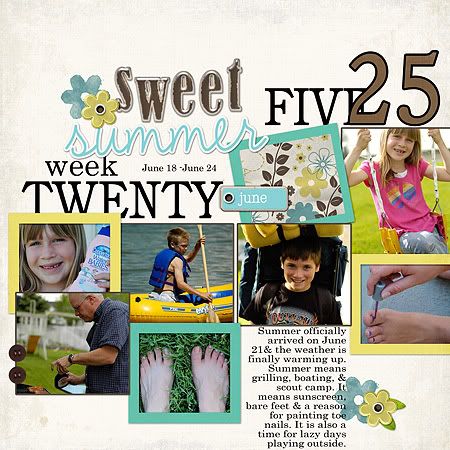
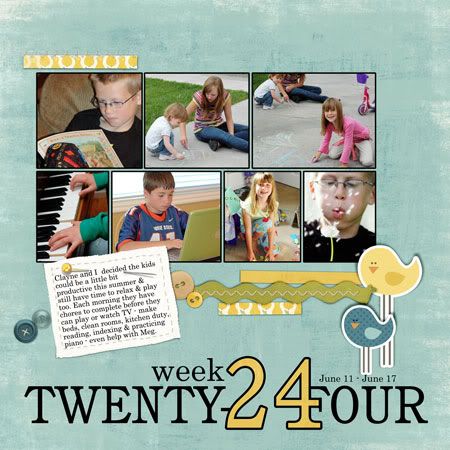
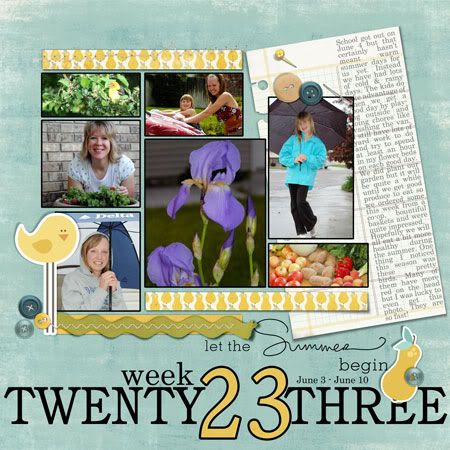
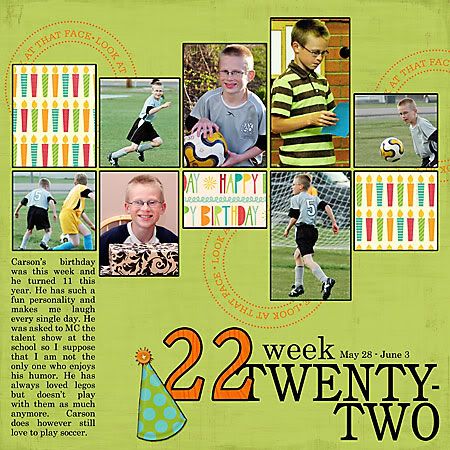
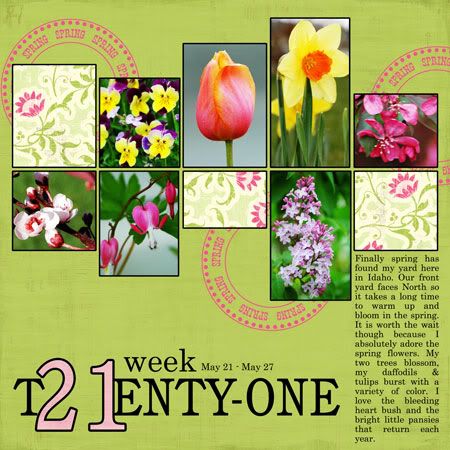
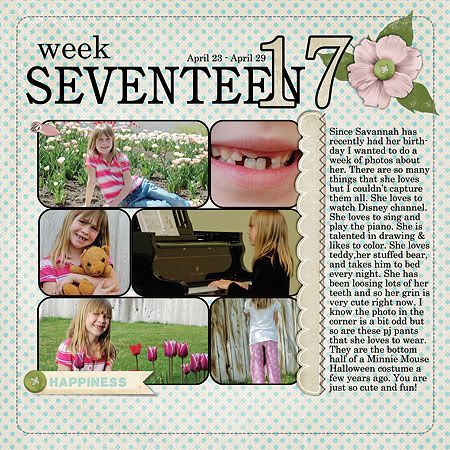 Over at the Scrap Orchard they are having a really fun month for June and you can pick up a piece of this kit every day. The important thing is that you will need to visit daily if you want the whole kit because the links will only be available for 24 hours each day. I'll post a pic of just the part I made later this week - just cuz I want to show it off - I think it turned out so cute. So anyway... to read more about this kit & the promotion going on at Scrap Orchard CLICK HERE.

 Here is the information for Design House Digital. You can click the image to go to the site.


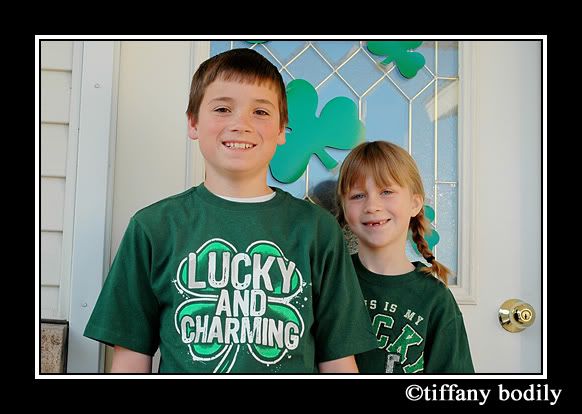
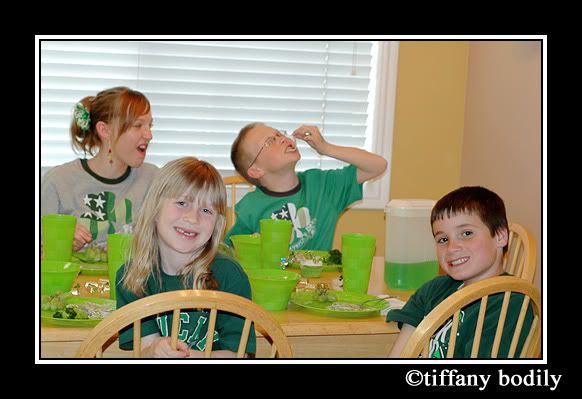
 Walmart had so many cute St. Pat's shirts this year so I splurged and bought each of the kids a fun green shirt to wear. Savannah's says, "This is my Lucky shirt."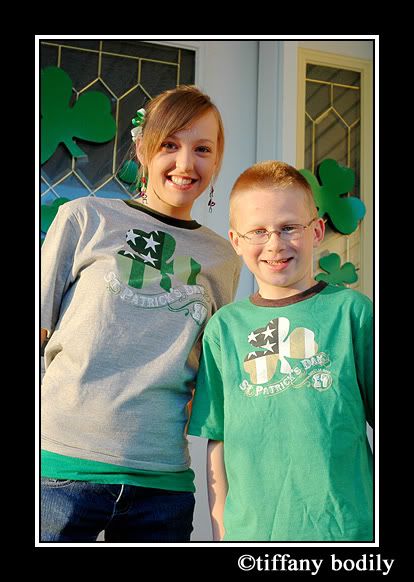
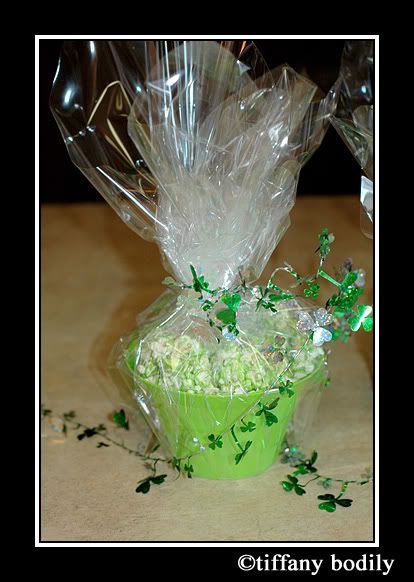
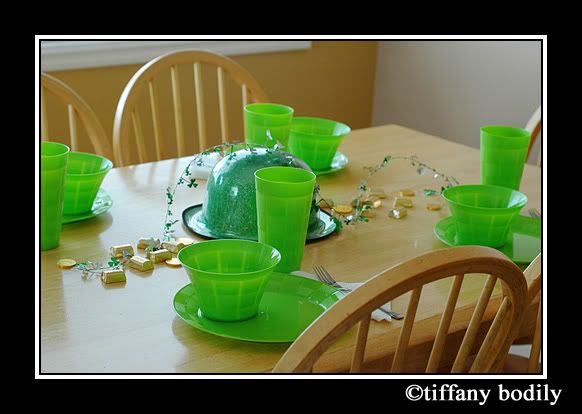
 A few weeks ago I picked up these cute lime green plates, bowls & cups at the dollar store thinking I would do a green meal for the kids for St. Pat's but then I kind of put it off and had almost decided not to do the meal after all. At about 2 this afternoon I decided that I did want to do it and so hurried to the grocery store and did a little baking and it came together wonderful. I had the table all set when they came home so they'd know that some fun was coming up later. They wanted to heat the gold coins and Hershey nuggets but I assured them I knew how many were on there and that they had better not eat any until after dinner.
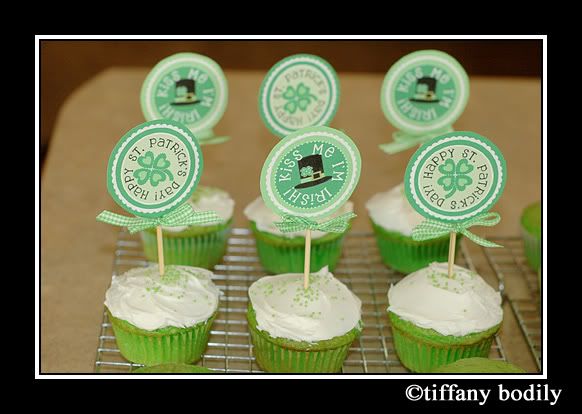
 I made green cupcakes and LOVED these cute toppers that I found HERE at Busy Bees. The recipe for the cupcakes I am sure I have shared before - the rainbow ones - but for today I only used green food coloring. HERE (from Our Best Bites) is the recipe for that if you want to make a copy. My kids LOVE these cupcakes no mater what color!
 Since I didn't have much time I kept the rest pretty simple. I served green guacamole tortilla chips, green spinach fettuccine noodles with alfredo sauce (Newman's brand is actually quite good), green grapes, steamed broccoli, green kool- aid, the cupcakes & decorative chocolates. I'm pretty sure this will become a tradition because it was yummy, easy and the kids loved it!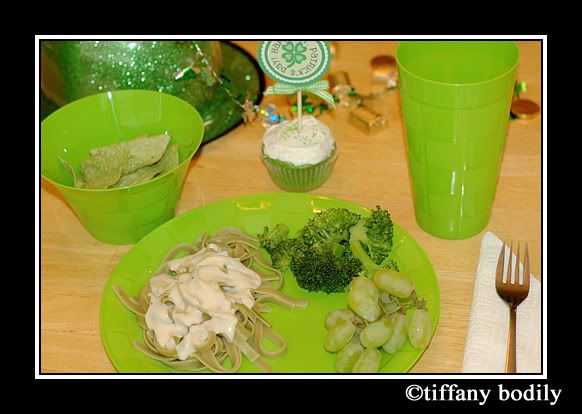
 I meant to post my week 10 page earlier than this but it completely slipped my mind so here it is and you can click on it to go to my gallery and see a credit listing. I decided to photograph some of the green items I have in my house. I can't believe that tomorrow wraps up week 11. I am sure that some of the photos above will be featured in that layout.
 Just a quick post to update my Project 365. I wish I could find more cute St. Pat's decorations. I was very limited! Maybe it will have to be an ongoing thing and I'll find more each year? I thought these pics of Carson turned out cute - I used them to create my March desktop for my laptop too. If you want a list of credits the image is clickable to go to my gallery at Design House Digital.
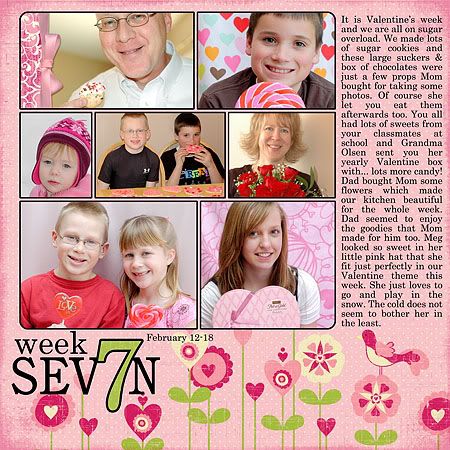 Credits: all products By Carina Gardner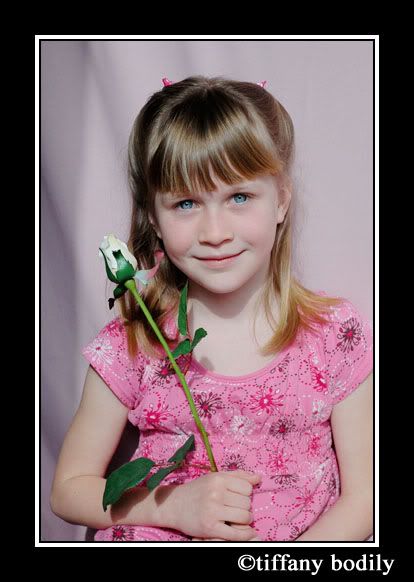

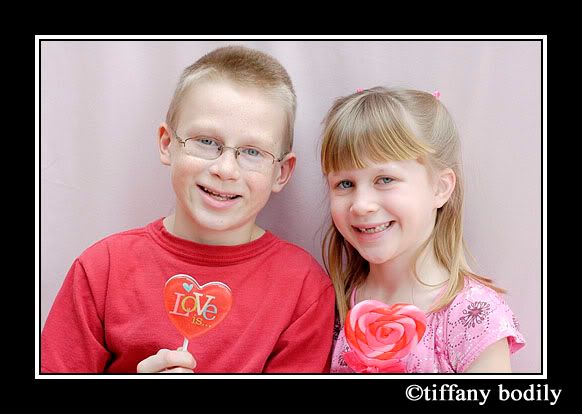

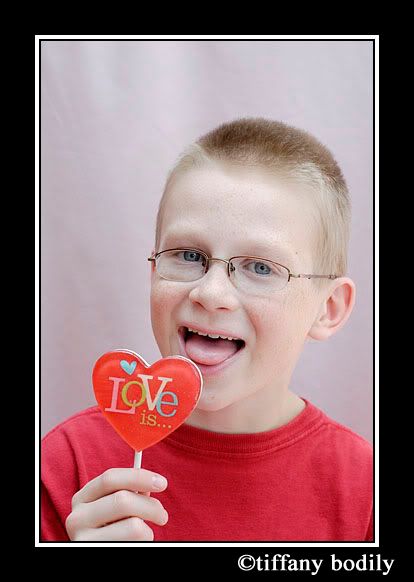
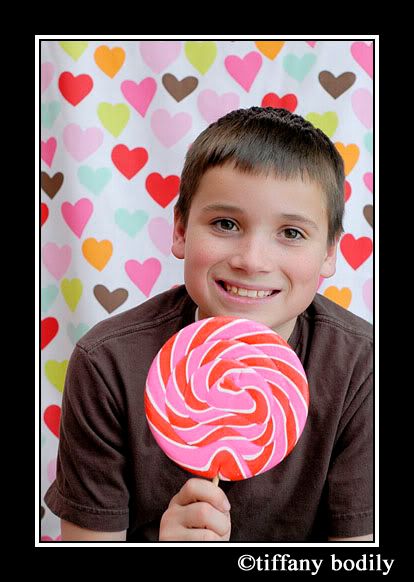
 That will be all for now... I want to do some scrapping. I hope to share some of my latest pages with you this weekend. Are you enjoying the olympics? I watch them as I scrap on my laptop.
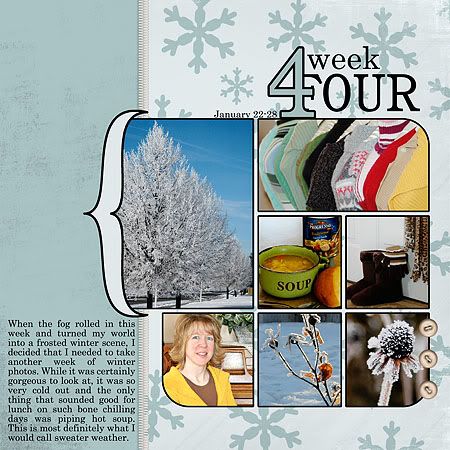 (Credits: Design 365: January 31 Day Page Templates By Spencer Nugent, Design 365: January Pack By Spencer Nugent, ESSENTIALS-Stitches v.1 By Carina Gardner, The Day Dreams Collection - Sunset Elements By Meredith Fenwick)
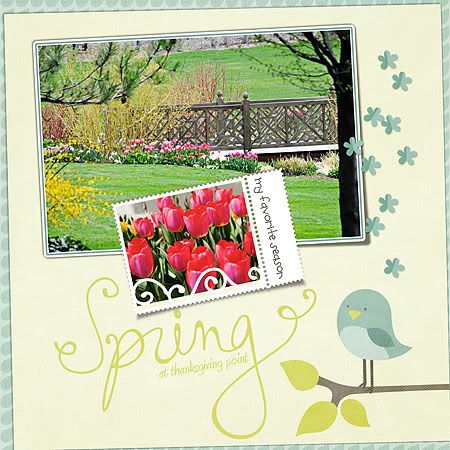 This page I made for the One Kit Four Ways blog post at Design House Digital this week. Using Jen Allyson's Smitten Mini Kit. You can see other layouts using this kit by visiting the blog HERE.
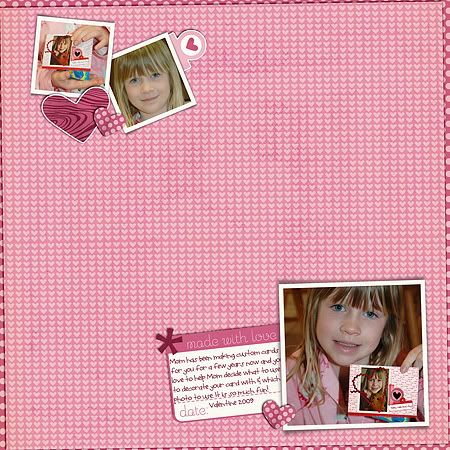 These next two pages are made with new releases at Scrap Orchard this week. New releases are currently on sale so hurry over to pick up the beautiful kits. You can see a list of credits by clicking my layouts below which will take you to my gallery at Scrap Orchard and there you will be able to click on the kit links to go shopping. Thanks for stopping by my blog today and letting me show off my latest creations.

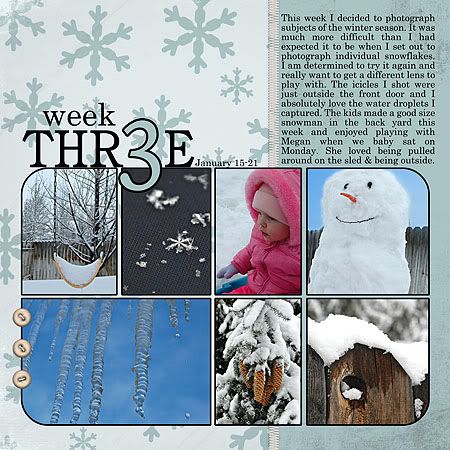 (Credits: Design 365: January 31 Day Page Templates By Spencer Nugent, Design 365: January Pack By Spencer Nugent, ESSENTIALS-Stitches v.1 By Carina Gardner, The Day Dreams Collection - Sunset Elements By Meredith Fenwick)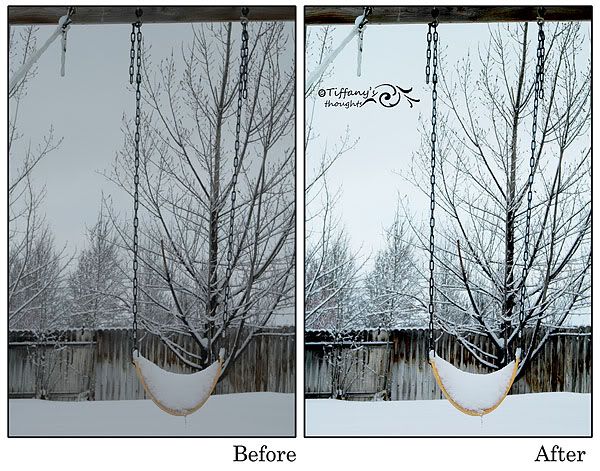

 [Credits: Design 365 Seven Photo Masks-Simple By Carina Gardner, Design 365 Color Kit 1 By Carina Gardner, Design 365 A Month of Number Stamps By Carina Gardner, The Day Dreams Collection - Sunset Elements By Meredith Fenwick, The Day Dreams Collection - Sunrise Elements By Meredith Fenwick]
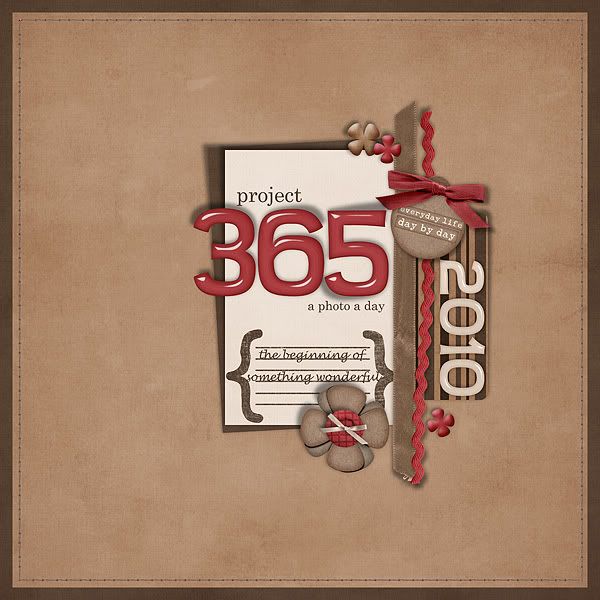 Here is my opening page for my album I will be creating this year for Project 365. I used the Journey 365 Jumbo kit by SuzyQ Scraps available at Scrap Orchard. Remember that Scrap Orchard will be back open on January 4 & if I remember right this kit is on sale! The stitching is by Carina Gardner & the template was a freebie from HERE.


